
Guided Customization for Handcrafted Jewelry
Created a step-by-step jewelry builder that brings clarity to custom orders and streamlines the workflow
My Role
Product Designer
Tools
Lovable, Figma, Copilot
Team
Solo Designer
Overview
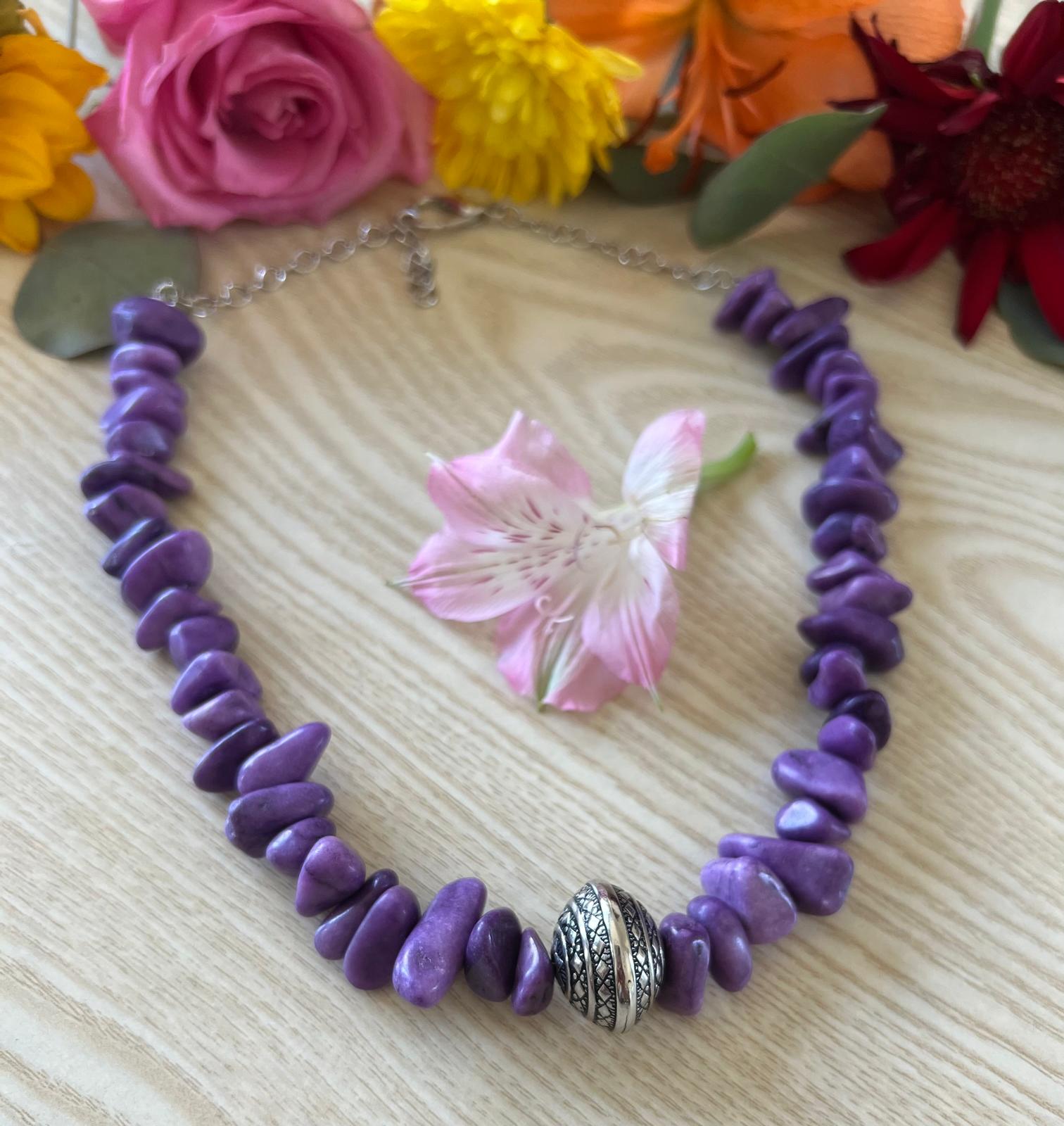
As a jewelry maker running a small handcrafted business, I often receive custom requests that begin with loose inspiration and require multiple rounds of clarification.
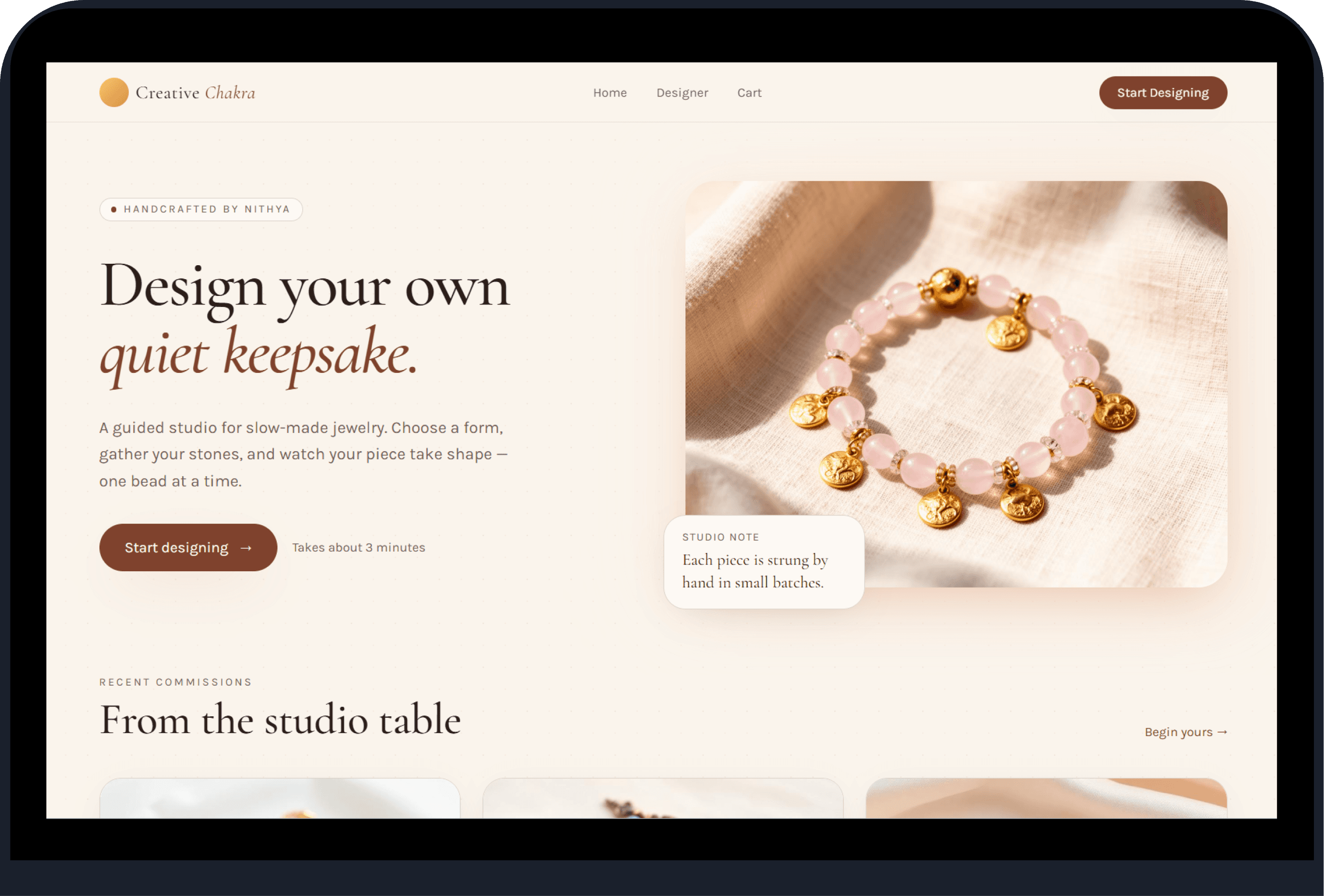
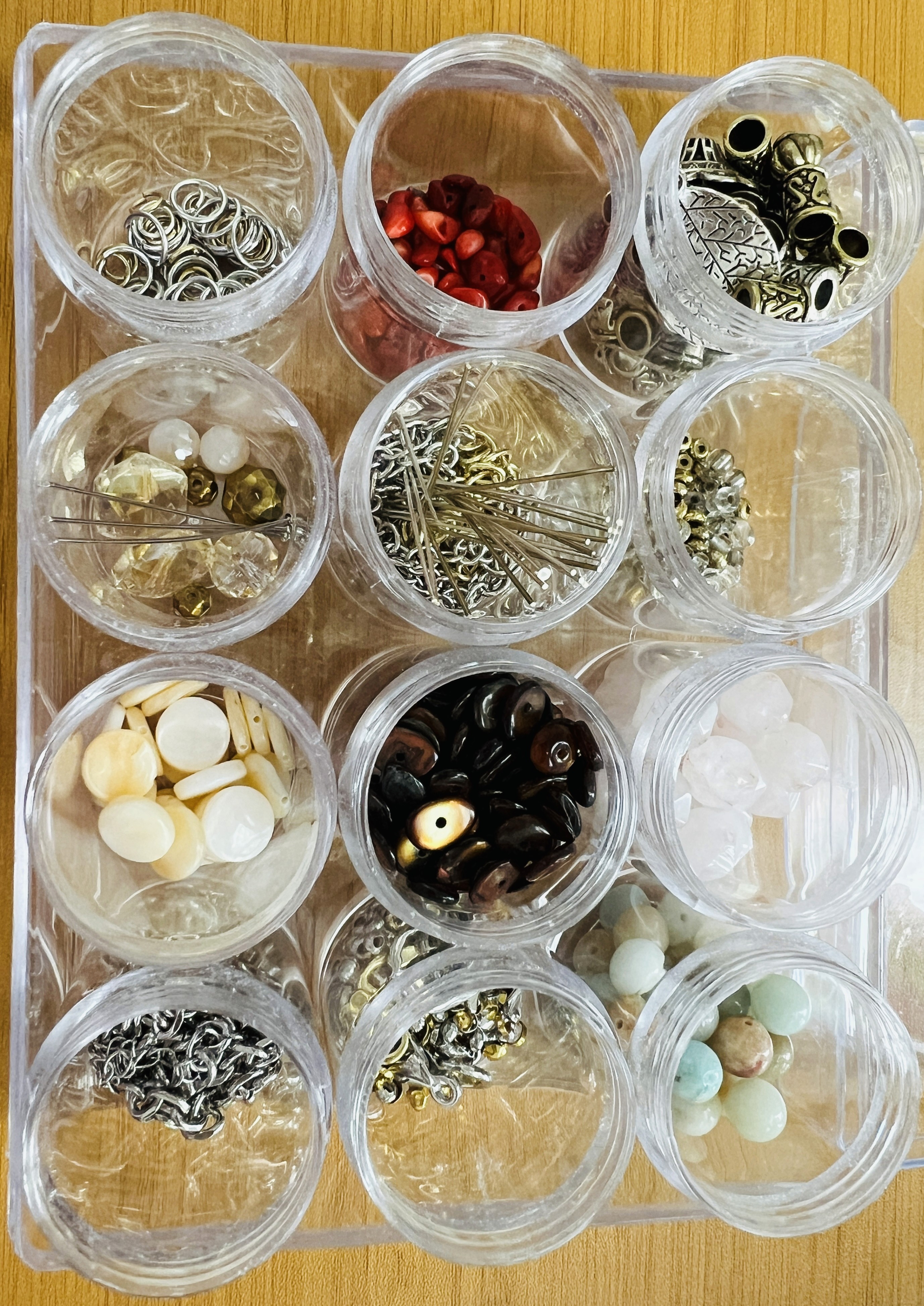
I designed a guided customization tool that helps customers visualize their ideas, choose materials, and co‑create pieces using the real materials from my studio and maker-safe AI.
Problem
Customers struggle to imagine how beads, colors, and charms will look together and I spend time clarifying feasibility, inventory, and pattern expectations. This uncertainty slows down custom orders and creates friction for both sides.
Solution
I created a step-by-step flow with visual previews and AI that supports decision-making without modifying the handcrafted nature of my work.
Outcome
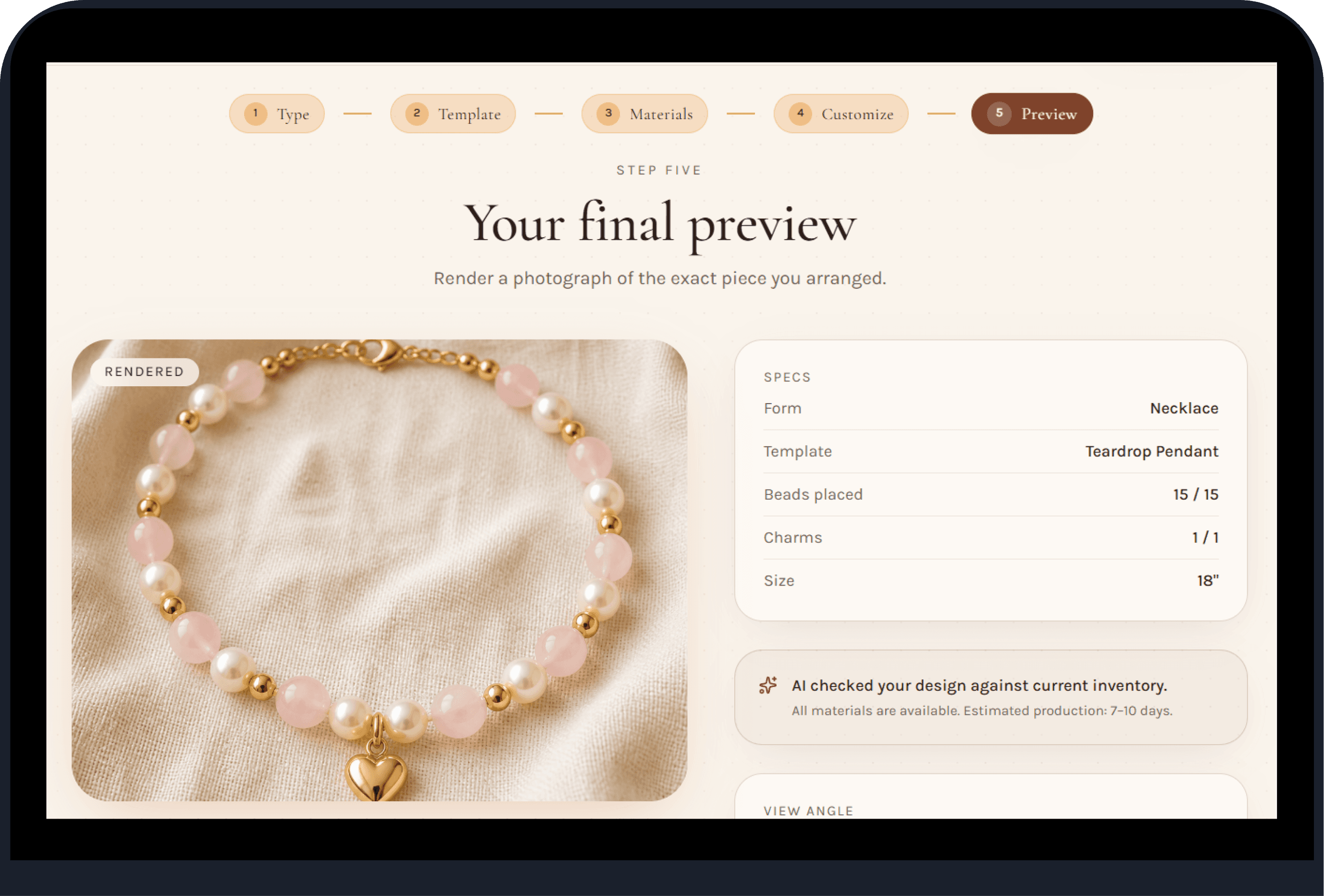
5/5 testers found the flow from material selection to final preview clear and easy to follow
3/5 testers said the tool reduced time spent clarifying design details through DMs
100% of the testers reported the preview images helped them clearly visualize their design
From a business perspective, the tool helps me use inventory wisely and buy only what sells
Design Strategy
I approached this project with a dual lens: my own real constraints as a small handcrafted jewelry business, and the needs of users who want clarity and guidance when designing something personal. To bridge these two worlds, I focused on three strategies.
Reduce Cognitive Load
Custom jewelry can feel abstract. I used a guided, linear flow with visual previews to help users make decisions one step at a time, lowering uncertainty and preventing overwhelm.

Align AI with Real-World Craft
Instead of using AI to "generate" designs, I limited it to materials and techniques I actually use, keeping designs feasible and inventory-aligned.

Empower Without Replacing Creativity
AI features were intentionally subtle and optional. They support users, not override them, by offering pattern auto‑complete, simple recommendations, and feasibility checks while keeping the creative ownership in the user’s hands.

Refinement After Usability Testing
Usability testing revealed that sparse designs caused the AI preview to auto‑add pendants from the template, creating inaccurate results. I fixed this by blocking users from continuing until their design is complete. This ensures every preview reflects the user’s actual choices and keeps the experience consistent and trustworthy.

Future Opportunities
A next step for CreativeChakra.ai is supporting customers who already have an inspiration in mind - whether it's a photo, a theme, or a piece they've seen elsewhere. The app could utilize AI to generate realistic design options based on that inspiration, while still adhering to the materials and techniques I actually use.
If a design includes materials I don’t currently stock, the app could automatically add them to a sourcing list, allowing me to order the exact charms or beads needed. This would make the final piece truly customized.
Conclusion
The solution made custom orders clearer for customers and easier for me to manage, proving that design can meaningfully support small‑scale making.
